The app is free to use
Start free with OBS display, comment handling, Super Chat highlights, and audience participation. AI Advisor is not included in Free.
 Castdeck
YouTube Live / OBS Companion
Turn comments into live momentum.
Castdeck brings YouTube Live chat, Super Chats, text-to-speech, audience games, and purchase notifications into one stream layout — and also connects Twitch, TwitCasting, Kick, Niconico Live, and Whowatch chats at the same time. Paste one layout URL into OBS, then turn important moments into visuals, audio, and effects.
Latest Update Latest v0.5.3 released on September 30, 2026 Refreshed Castdeck AI and stream reviews View release historyBeta release v0.5.3 / macOS Apple Silicon and Windows x64
Engagement
First-time greetings, regular viewers, members, and Super Chats all move fast. Castdeck organizes those signals and connects them to on-screen effects, readouts, pinned highlights, and audience participation.
Live Control
Watch comments, Super Chats, pinned messages, and goals while adjusting the OBS layout, readout rules, and audience games without breaking the pace of your stream.
Free Start
Castdeck is free to use. Start with OBS display, comment handling, Super Chat highlights, and audience participation, then grow your stream layout step by step.
Start free with OBS display, comment handling, Super Chat highlights, and audience participation. AI Advisor is not included in Free.
AI Advisor · Pro
With Pro, get live suggestions grounded in your comments and your goals. After the stream, review recorded moments and choose what to keep or change next time.
Live AI advice, post-stream reviews, speech transcription, and comment translation are Pro-only. Use Castdeck AI within your Pro allowance. No API key setup is required. Check usage and remaining allowance in the app.
Castdeck v0.5.3
You choose the purpose of your stream. Shape the experience you want to offer, whether you chat, play games, or run a special event.
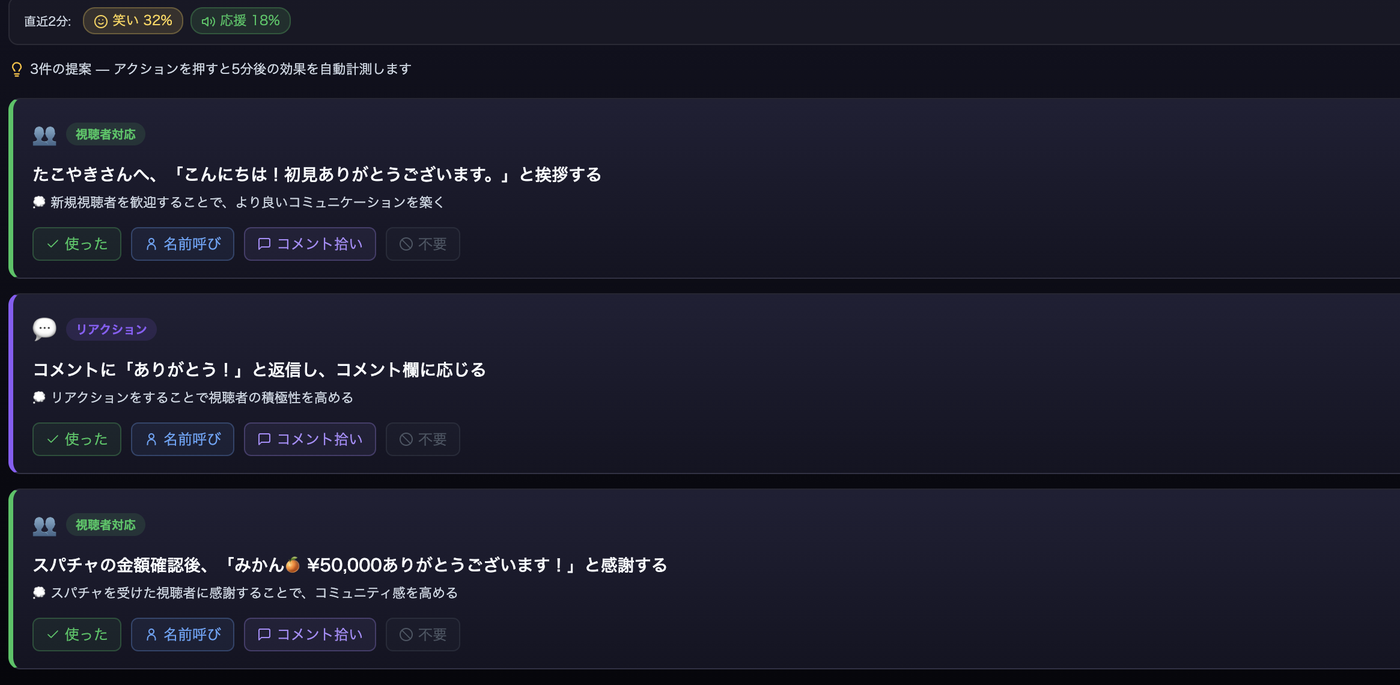
A small advice window helps organize questions and suggest what to say next. Mark advice as handled, skip it, or turn live assistance off. Comments can provide context even when voice input is off.
After the stream, separate observations from interpretations. Revisit timestamped comments and records, see gaps in coverage, and save your own reflections and an action to try next time.
Received YouTube comments can reach your display and effects without waiting for subscriber verification. Verification runs separately, so subscription status may take time to appear.
Castdeck AI requires Pro and has a usage allowance. No API key setup is needed. Voice input is optional; review the explanation of what is sent before starting it.
See changes in this versionAudience Growth
When a streamer reacts quickly to comments and support, viewers feel present in the show. Castdeck makes that response easier to repeat.
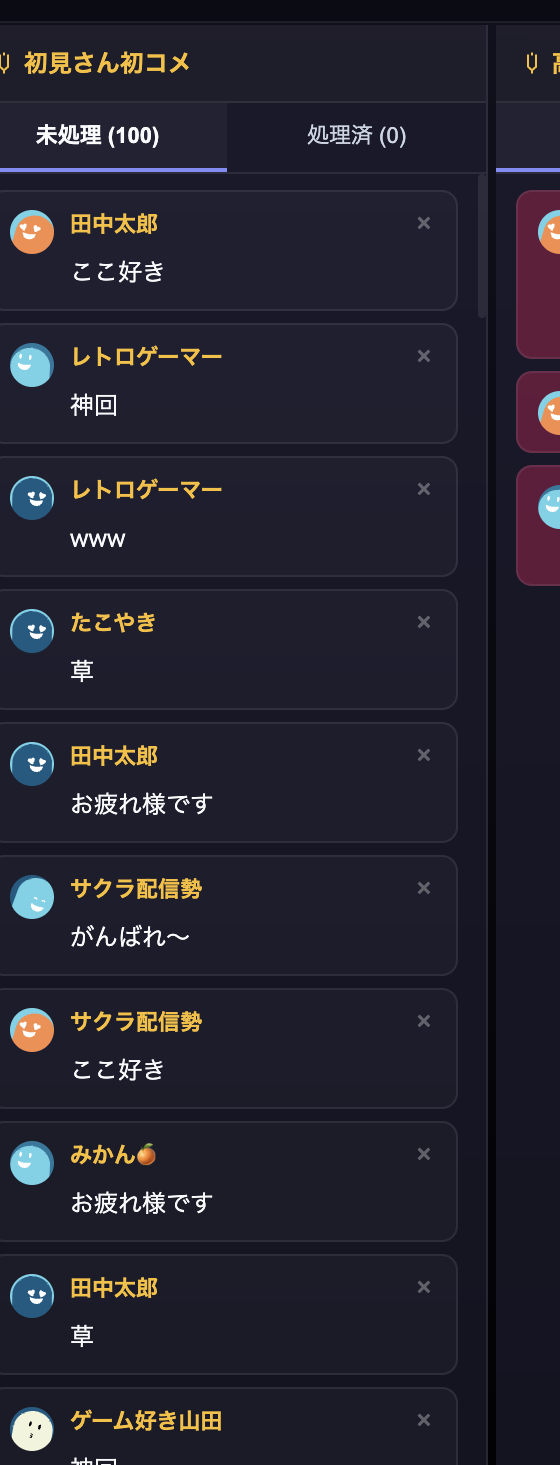
Sort regular comments, first-time viewers, members, and Super Chats so streamers can find the reactions worth picking up.
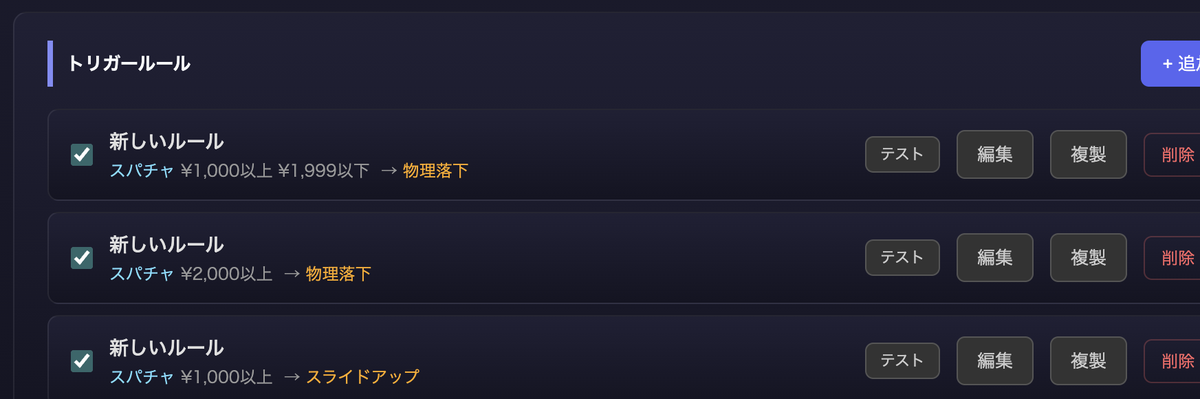
Highlight Super Chats and member reactions with visuals, audio, and pinned messages so everyone shares the appreciation.

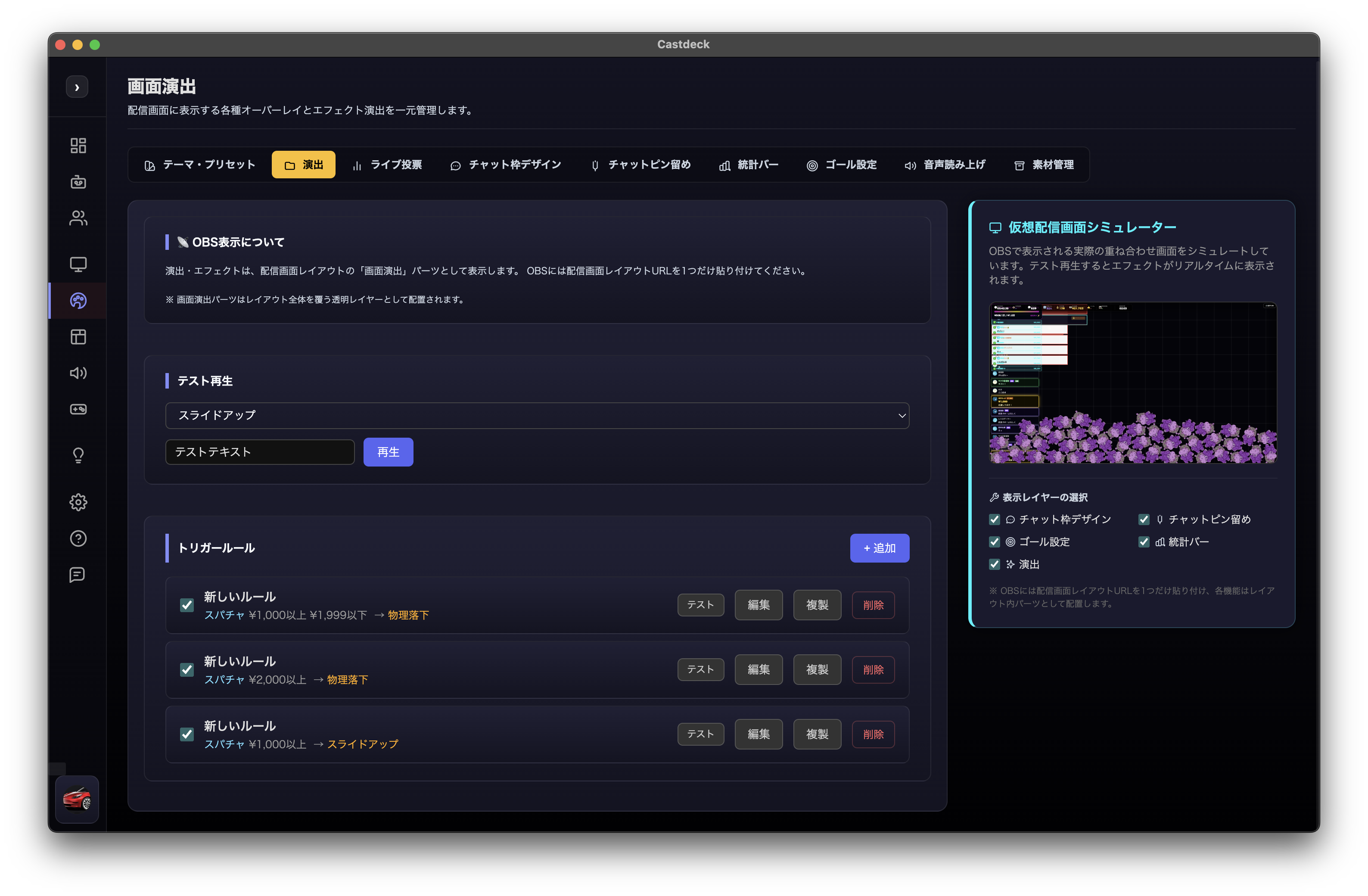
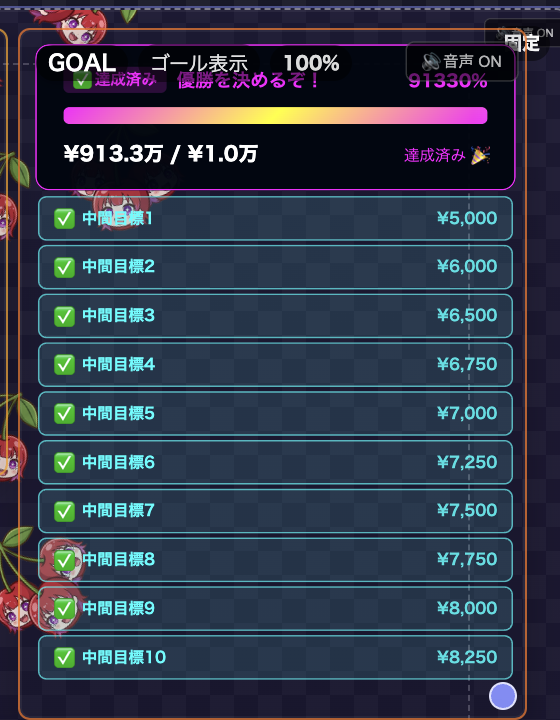
Goals, stats bars, and audience games make the momentum visible and encourage more viewer participation.

Revenue Moments
Castdeck helps you catch Super Chat, membership, and regular-viewer moments, then respond in ways that make the stream easier to support.
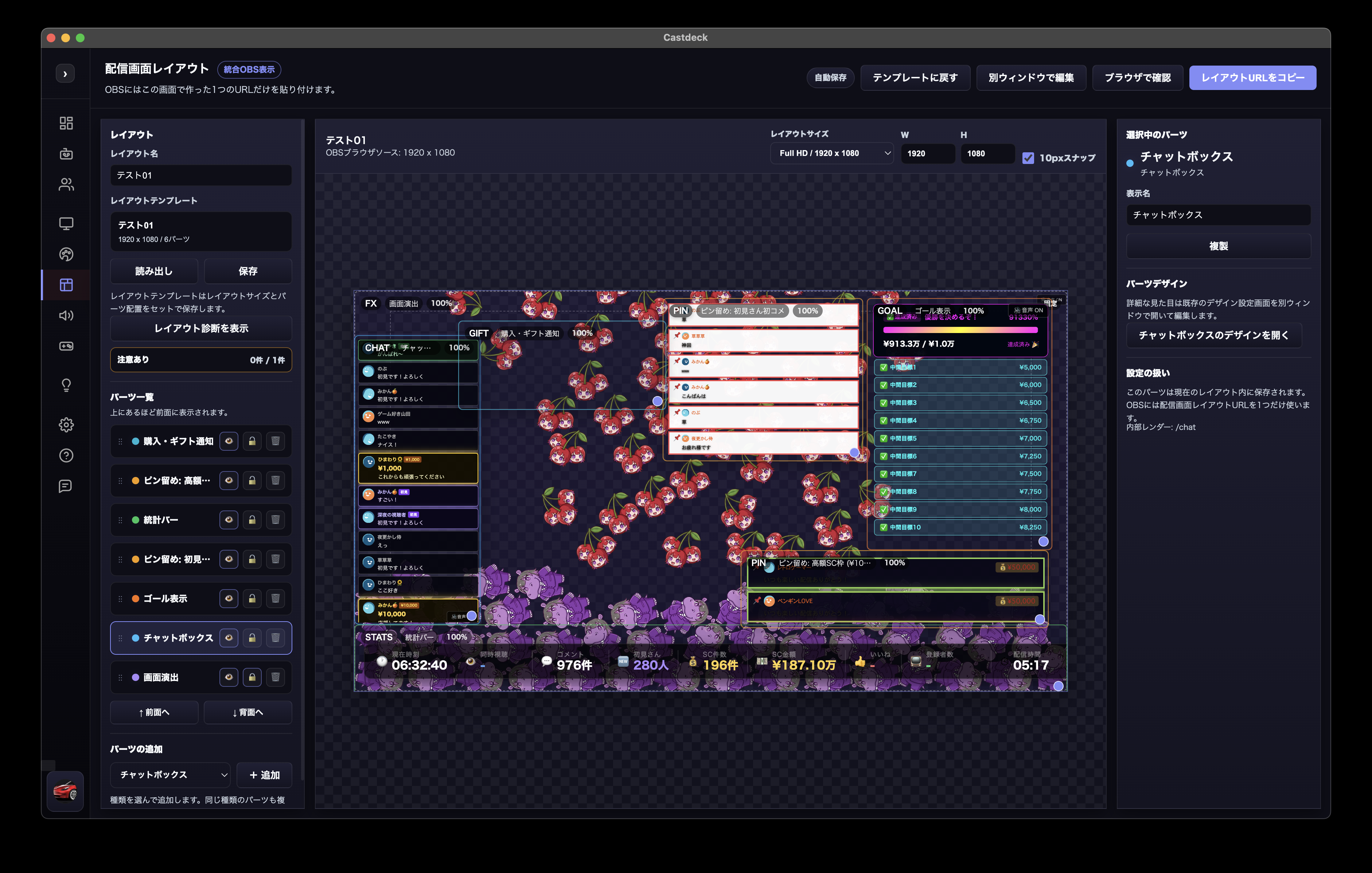
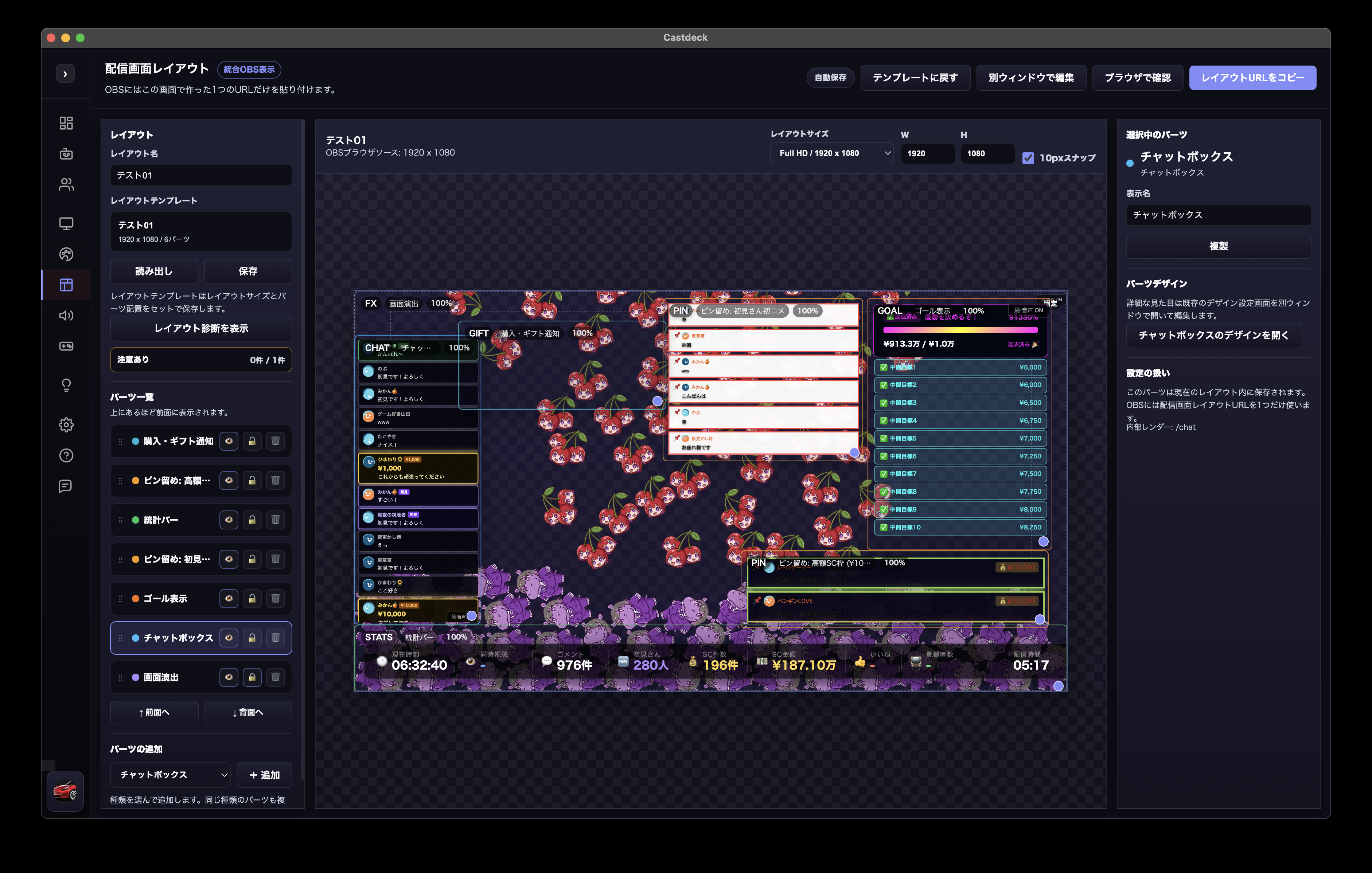
Place chat, pins, goals, stats bars, notifications, and games in one layout, then paste one URL into OBS.
Organize first-time viewers, members, and Super Chats, then connect them to readout and pinning rules.
Show support targets, project progress, and subscriber-count countdowns during the stream.
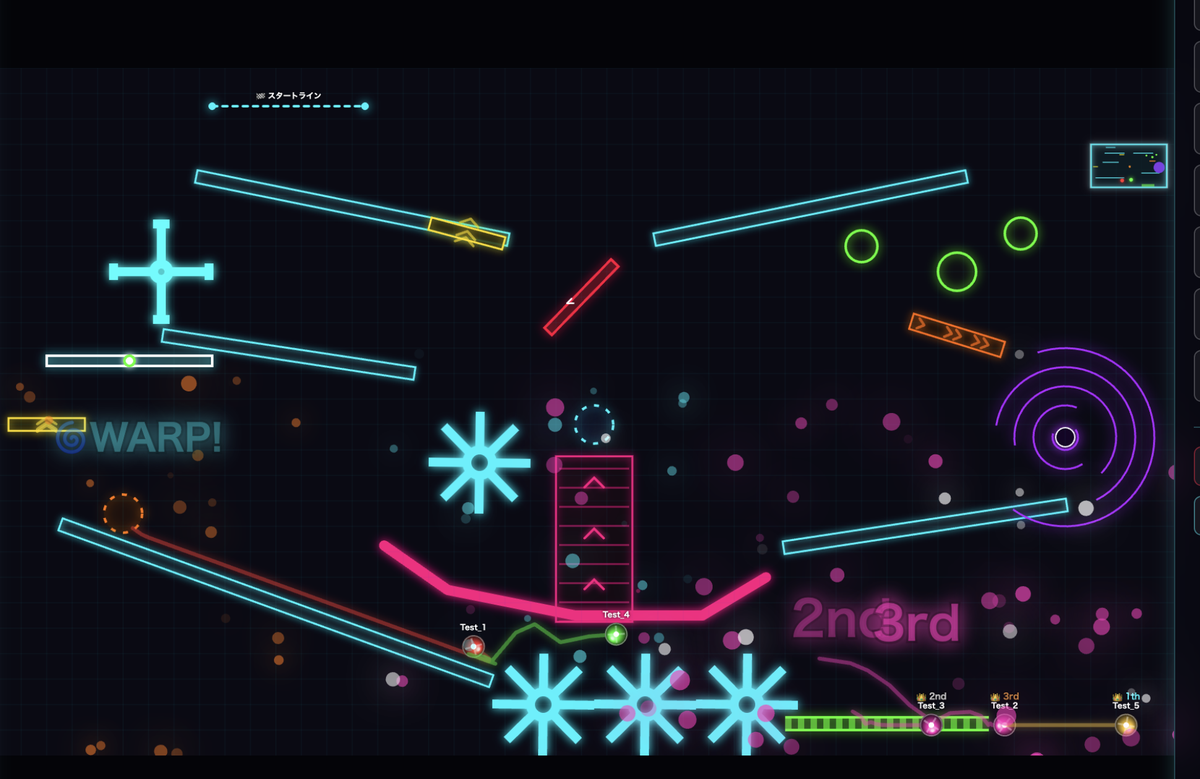
Trigger live voting, audience games, sound effects, images, and videos based on live reactions.
Platforms
Built around YouTube Live, Castdeck also lets you keep the same comment management, text-to-speech, and on-screen effects across other platforms. Connected chats are merged into one dashboard, and OBS still needs just one layout URL.
The primary platform: comments, Super Chats, members, and subscriber counts. Goals, purchase / gift notifications, and real-time AI advice all work with live data.
Connect your account to pull chat. Text-to-speech, pinning, and effect rules work with the same settings as YouTube Live.
Connect your account and merge comments into the dashboard. OBS effects and readouts are shared.
Connect just by entering a channel name. Follow overseas chats on the same screen.
Show Niconico comments in the dashboard. Readouts and effects follow the same rules as other platforms.
Whowatch comments are merged too, so simulcasts across sites miss fewer reactions.
Experimental platforms (Kick, Niconico Live, Whowatch) may stop working if those services change their specifications. Text-to-speech, pinning, and effect rules apply to comments from any platform.
Creator Store
The Castdeck store lets you pick up add-on items like chat frames and on-screen effects, then install them into your stream layout in one click from the in-app Store tab.
Try free items without logging in, then send them straight to your stream layout. Paid items use a secure checkout.
Store items are provided by reviewed creators (the sellers). How transactions work is documented on the payments page.
 Each creator is the seller of record for their store items, with payments processed on Stripe. Castdeck operates the platform and is not the seller. Paddle is never used for store transactions.
Use Cases
When you want to catch, show, or amplify a live moment, Castdeck connects that intent to visuals, audio, effects, and AI suggestions.
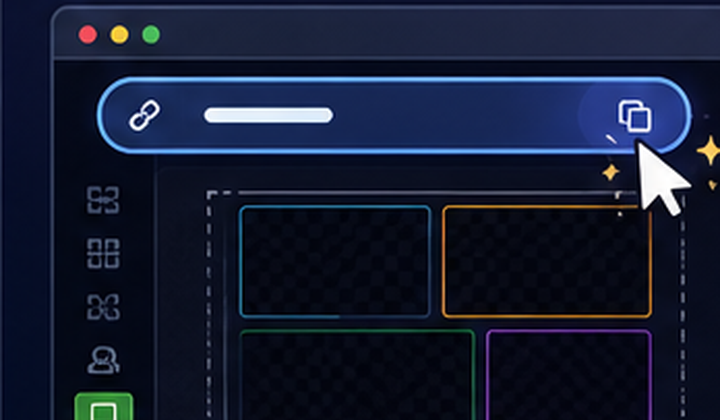 Use one OBS URLPlace chat, pins, stats, goals, notifications, effects, and games in one layout.
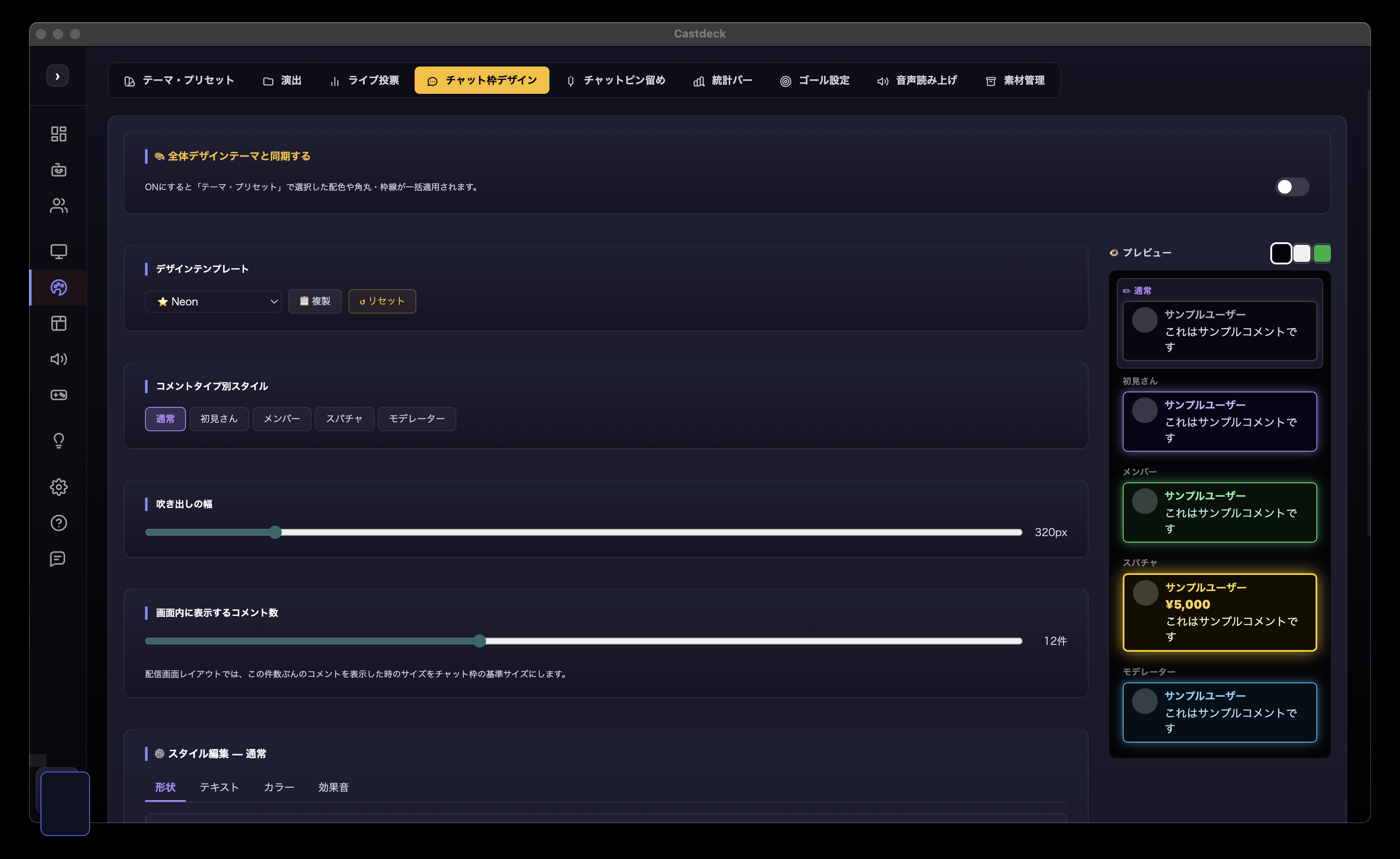
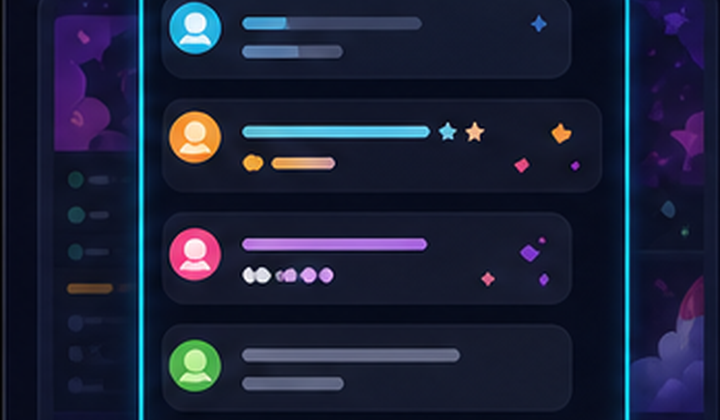 Show chat cleanly on screenTune the chat frame, visible count, text size, colors, and borders.
 Notice first-time viewers and membersUse conditional pins to separate the comments you want to notice.
 Thank Super Chats immediatelyCombine amount rules, pinning, readout, and effect triggers.
 Read aloud only the comments you chooseAttach text-to-speech on/off to pinning rules.
 Run subscriber milestone streamsShow subscriber-count countdown progress on screen.
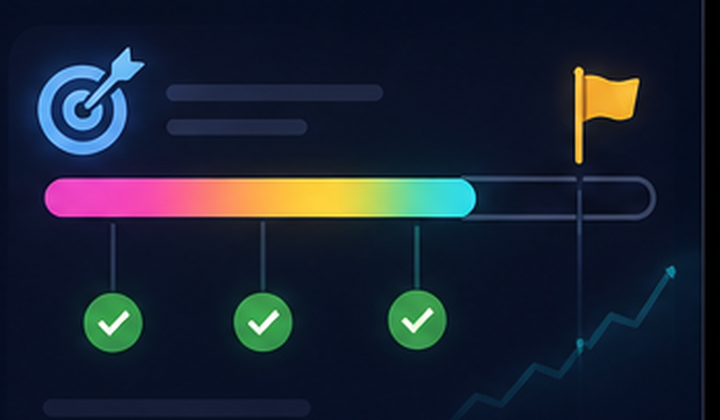 Share campaign progressDisplay support targets and intermediate goals during the stream.
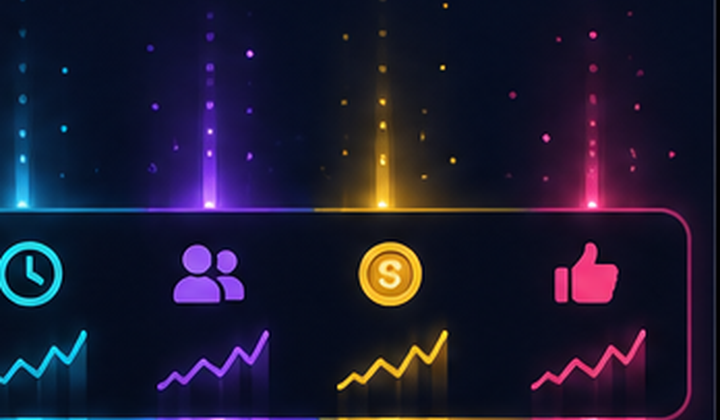 Show stream energy as numbersShow comments, Super Chats, amount, likes, and elapsed time in a stats bar.
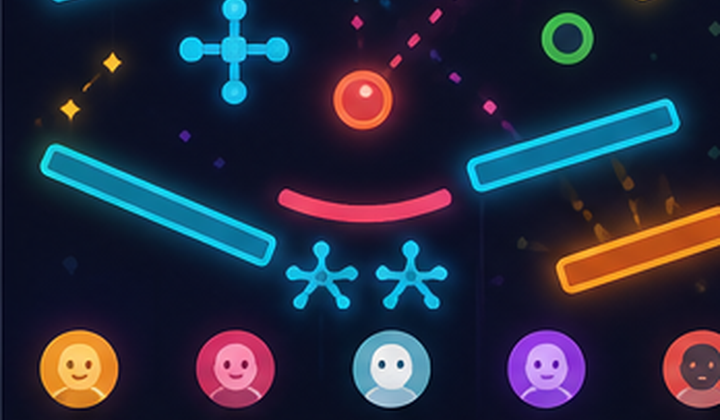 Add audience participation gamesAdd games designed around live comment participation.
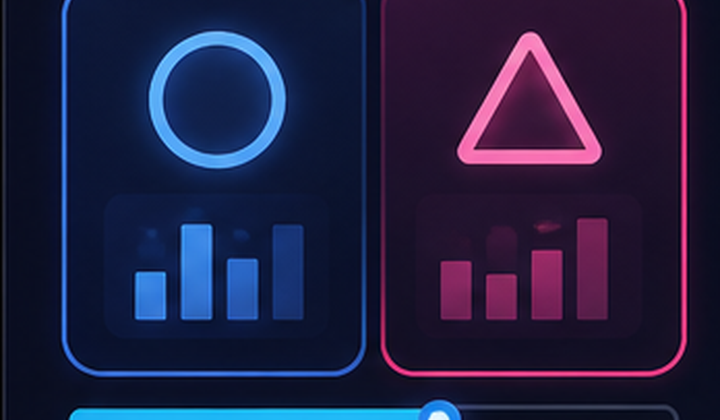 Let viewers choose the next segmentUse live voting to make choices visible.
 Share purchases and gifts on screenShow BASE orders and Amazon wishlist syncs as gift notifications.
 Get help with what to say nextPro includes live AI suggestions and post-stream AI reviews to help plan your next step.
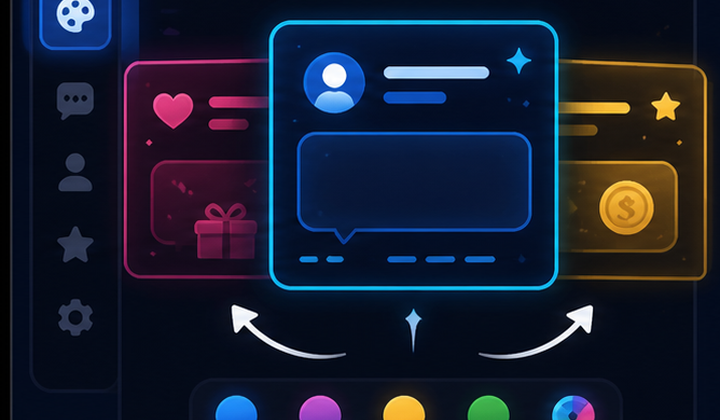 Switch the stream mood quicklyUse themes and presets to update chat, pins, goals, and other parts together.
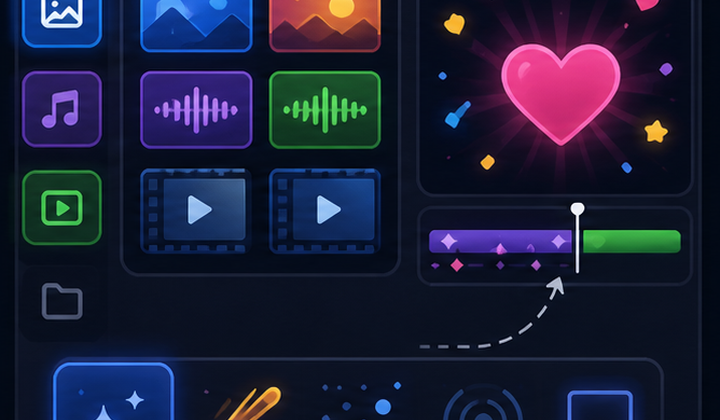 Use images and videos as effectsManage images, audio, and video assets, then connect them to live reactions.
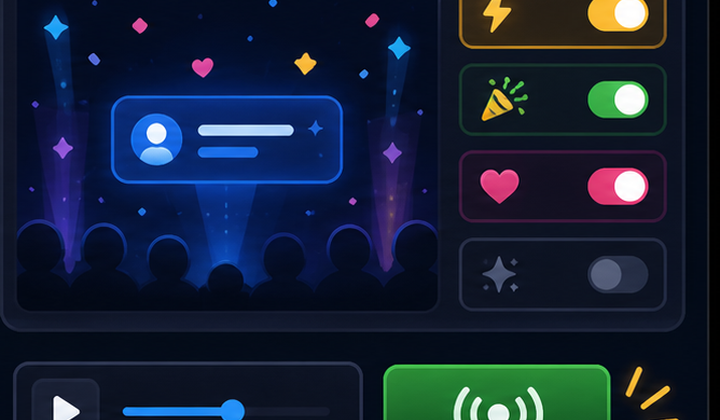 Preview effects before going liveTest effects before sending them to OBS, then adjust size and motion.
Comparison
Streamlabs and StreamElements are strong for widgets and assets; Nightbot for chat moderation; Streamer.bot for automation. Castdeck connects YouTube Live, Twitch, TwitCasting, Kick, Niconico Live, and Whowatch at once, built for one-screen live operations: comments, OBS effects, readouts, Super Chat reactions, AI advice, and audience participation.
| Feature | Castdeck | Streamlabs | StreamElements | Nightbot | Streamer.bot |
|---|---|---|---|---|---|
| Supported platforms | Castdeck☑️YouTube, Twitch, TwitCasting, Kick, Niconico, Whowatch | ☑️Twitch, YouTube, Facebook, etc. | ☑️Twitch, YouTube, Facebook, etc. | ☑️Twitch, YouTube, Trovo, etc. | ☑️Mainly Twitch and YouTube |
| YouTube Live comment capture | ☑️Designed around YouTube Live | ☑️Supported through Cloudbot and related tools | ☑️Supported through chatbot features | ☑️YouTube and Twitch support | ☑️Supports YouTube events |
| Live dashboard during the stream | Castdeck☑️Comments, Super Chats, pins, and goals in one view | △Often managed feature by feature | △Mainly web management | △Bot management focus | △Can be built with custom flows |
| Comment type organization | Castdeck☑️Regular, first-time, member, and Super Chat comments | △Handled through events and chat features | △Chatbot-oriented setup | △Commands and regulars features | △Built with event logic |
| Super Chat processing queue | Castdeck☑️Track unhandled and completed support items | △Alert-centered | △Alert and tip-centered | ーMainly bot usage | △Custom event workflow |
| Manual pinning and highlight display | Castdeck☑️Pin important comments immediately | △Possible with widgets | △Possible with overlays | ーChatbot focus | △Can be built with OBS control |
| Conditional text-to-speech | Castdeck☑️Can link to pinning conditions | △Usually needs another setting or external tool | △Usually needs another setting or external tool | ーNot a typical standard use | △Requires audio or external integration |
| OBS browser source display | ☑️Built-in integrated layout URL | ☑️Widgets and Alert Box | ☑️Overlays and widgets | ーBot management focus | △OBS control and integration |
| Stream layout editor | Castdeck☑️Check layered parts inside the app | △Usually widget by widget | △Overlay editor focus | ーOut of scope | △Check on the OBS side |
| Design theme sync | Castdeck☑️Apply theme to chat, pins, goals, and more | △Theme/widget-level setup | △Overlay-level setup | ーOut of scope | △Custom workflow |
| Goal display and support targets | ☑️Includes subscriber countdowns | △Tip/widget related features | △Tips related features | ーOut of scope | △Custom external integration |
| Stats bar and stream momentum display | ☑️Show comment and support status | △Possible with widgets | △Possible with widgets | ーOut of scope | △Custom OBS integration |
| Audience participation games | ☑️Managed inside the same app | ☑️Mini-games through Cloudbot and related tools | △Widgets or external integration | △Giveaways focus | △Can be built freely |
| Asset management | Castdeck☑️Manage images, audio, and video in the app | △Widget and theme assets | △Overlay assets focus | ーOut of scope | △Link external assets |
| Viewer analytics and stream improvement | Castdeck☑️Combines comment trends and AI suggestions | △Analytics and management features exist | △Logs and management focus | △Log-centered | △Data use depends on custom setup |
| AI advisor | Castdeck☑️Suggests actions from stream data | △AI features are limited by use case | ーNot clearly available | ーNot clearly available | △Possible with external AI integration |
| Local desktop operation | ☑️Desktop app | △Cloudbot and desktop-related tools | ーMostly cloud/browser-based | ーCloud/browser-based | ☑️Desktop app |
| One-screen live operation | Castdeck☑️Controls are gathered into one operator screen | △Combine multiple features | △Multiple pages/settings | △Bot setup focus | △Requires custom building |
Comparison is based on general public information and positioning. Castdeck is currently improving as a beta release, so feature scope will be updated with each release.